

Use AI to Analyze Sales Across 3 Restaurant Branches in 5 Minutes
Multi-branch restaurant owners can analyze sales in 5 minutes with AI, without scanning Excel row by row. See which branch is losing money and which menu items sell best, and decide faster.
You run a restaurant with 3 branches. Every day you sit down to review the sales from each branch's POS, open Excel, and compare the numbers by hand. Sometimes it takes half an hour just to work out which branch is selling well and which menu items are not moving. Now AI lets you know everything within 5 minutes.
AI reads sales data from all 3 branches at once
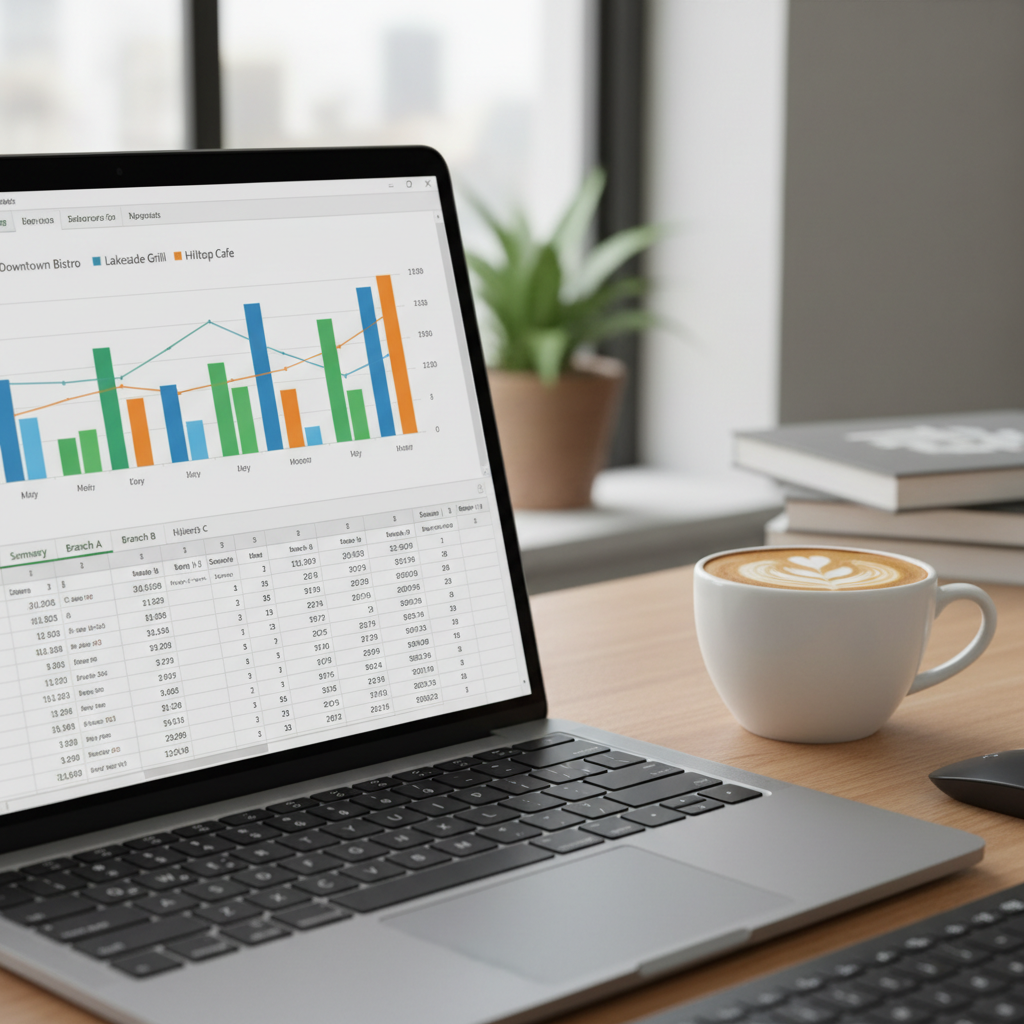
You do not need to open 3 Excel files and compare them yourself. Just upload the sales files from all 3 branches' POS into an AI (such as ChatGPT Plus or Claude), and it reads all the numbers in a few seconds.
Example prompts you can actually use:
- "Compare total sales across the 3 branches this month against last month"
- "Which branch has the lowest profit, and give the possible reasons"
- "Which menu items sell best at each branch"
The AI gives you a summary within 1-2 minutes, with no manual calculation.
Know immediately which branch has a problem

AI does not just report numbers, it analyzes more deeply than that:
- Compare cost per dish: which branch uses too much in ingredients
- Find loss-making menu items: which items are priced below what they cost
- Analyze the quiet periods: which times of day every branch sells little and could use a promotion
- Weigh staffing against sales: which branch is overstaffed relative to its revenue
Instead of spending hours analyzing, you get the answer in 5 minutes.
Decide faster and close a losing branch in time
Restaurants that used AI to analyze their sales found that:
- Branch 2 had been losing money for 3 months straight because the rent was too high
- 5 special menu items sold fewer than 10 dishes a month and could be dropped
- Every branch went quiet between 14:00 and 16:00, so that slot was switched to prep time instead
Analyzing this by hand could take a week to uncover, but AI gives the answer within 5 minutes. You can decide quickly instead of waiting for losses to pile up.
Get started right away with no extra investment
Simple steps:
- Download the sales report from your POS as an Excel or CSV file
- Upload it into ChatGPT Plus (299 baht/month) or Claude
- Type the questions you want answered in plain Thai
- The AI analyzes and answers within 1-2 minutes
No need to hire an analyst or buy expensive software. As long as your POS can export data, you can start right away.