

5 tasks AI can take over from an admin right away, no extra hire needed
Restaurants, shops, and service businesses can genuinely use AI for daily admin work: answering chats, scheduling, and checking stock, without relying on a programmer.
Why shop owners end up answering customer chats at midnight
You have run a restaurant for 3 years with 8 staff, but you still answer customer messages on Line yourself every day until 2 a.m. because you cannot afford an admin. At 15,000 baht a month, the budget just is not there. Now, though, there is AI that can actually handle basic admin work, not just a chatbot repeating the same canned answers.
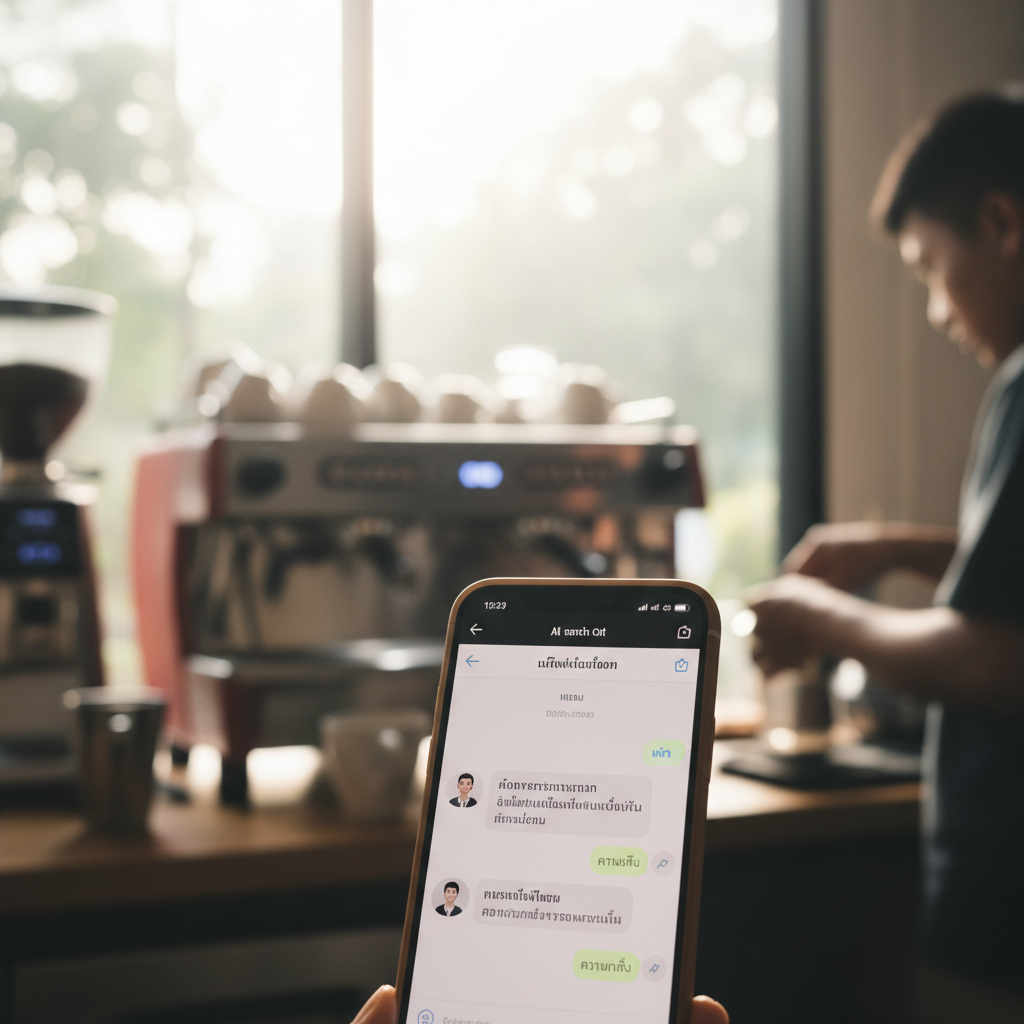
5 tasks AI can take over right away, without spending much
1. Answering repetitive customer questions 24 hours a day
A coffee shop in Siam uses AI to answer questions like "What time do you open? / Can I book a table? / Is there parking?", covering 87% of all questions. Only special orders are left for a real person to handle.
2. Turning speech into text and summarizing meetings
You talk with a supplier for 30 minutes, and AI turns it into text and summarizes the key points for you in 2 minutes, with no need to take notes by hand. Use Otter.ai or Google Recorder for free.
3. Scheduling staff shifts automatically
A massage shop has 12 people across 3 shifts. The AI reads days off, skills, and sales, then proposes a balanced schedule in 5 minutes. Normally it takes you 2 hours to work out.
4. Checking remaining stock and warning you before you run out
A retail shop connects Google Sheets to AI. It reads daily sales, calculates the usage rate, and alerts you 3 days before stock runs out, so you do not have to open Excel and check yourself.
5. Writing captions for sales posts
You take 1 photo of a new menu item and feed it to the AI. It writes 3 caption styles to choose from, complete with hashtags, in 30 seconds, instead of you spending 20 minutes thinking them up yourself.

How to start using AI in place of an admin, without relying on a programmer
The real steps a Thai shop can follow:
- Pick 1 task that eats the most time (usually answering chats).
- Try a free tool first, such as ChatGPT, Gemini, or Notion AI.
- Train 1 staff member to use it fluently over 1 week.
- Measure how many hours per day it actually saves.
- Then expand to other tasks.
What AI cannot do (yet):
- Make complex business decisions
- Handle conflict within the team
- Build relationships with VIP customers
Common mistakes:
- Forcing staff to use it right away with no training, which makes the team resist it
- Expecting AI to be 100% accurate, which leads to disappointment
- Not trying a free tool first and buying an expensive one outright, which wastes money
Questions shop owners ask often
Q: Is AI expensive? Can a small shop afford it? A: Basic tools start at 0 to 300 baht a month. ChatGPT is free, Notion AI is 300 baht a month, which is cheaper than hiring a part-time student admin.
Q: Do I have to write code? A: No. You use it just by chatting, and you can type in Thai.
Q: Will customer data leak? A: Choose a tool with a clear privacy policy, and do not enter credit card numbers or customer phone numbers directly.
Start with 1 task, measure the results, and scale up. In 3 months you will see admin time genuinely drop by 40 to 60%.